How to take the guitar out of a song
- Drop the song. Decoding stays on this device.
- Separate the full song, or preview six seconds where the guitar is exposed.
- Leave Other muted. Vocals, drums, and bass are the backing you play along with.
- Export the mix as WAV or MP3 if you want that backing as a file.
This guitar remover does not add a fifth stem. There is no separate guitar stem. HTDemucs, the model this site runs, writes four files: vocals, drums, bass, and other. Guitar, piano, organ, strings, and most synths land in Other. This page opens with Other muted and the other three stems up, which is as close as the model can get to a guitar-free backing. If a piano was playing the same bars, the piano goes quiet too.
Open your file, separate it, and listen. If the part you wanted gone is still audible, it leaked into vocals or drums, which is common with a fuzzy amp. You cannot reach into Other and delete only the guitar. You can only mute the whole stem, solo it to study it, or export the mix with that stem down.
What you actually hear
With Other muted you hear the singer, the kit, and the bass. Rhythm guitar, lead guitar, and keys are gone together. A song that is “just guitar and voice” becomes mostly the voice, because the guitar was the Other stem. A song with a horn section loses the horns too. That is the honest output of a four-stem model, and it is still useful for playing along when the guitar part was the thing you did not want to duplicate.
Solo Other if you want to hear the guitars without the band, for figuring out a chord voicing. Then mute it again to play those chords yourself. The export with Other down is a stereo mix of the three remaining stems, not a guitar track with a hole punched in it.
Tips when the guitar will not leave
A distorted guitar occupies the same range as a snare’s noise and a vocal’s consonants. The model then splits one amp tone across drums, vocals, and Other. Muting Other removes the body of the chord and leaves a fizz. A clean, single-note line in a sparse mix is the case that disappears most completely.
Two guitars do not get two stems. A rhythm part and a lead part are both Other, so you cannot mute the rhythm and keep the lead. Double-tracked guitars panned hard left and right still share the stem. Piano and guitar in the same bar share it too. If the arrangement depends on keeping the keys, this mute is the wrong tool, and you may be better off leaving Other up and only looping the phrase.
Acoustic guitar with a lot of room sound leaves a tail, the same way a vocal reverb does. The dry attack goes into Other. The room may linger in the vocal stem. Listen on headphones before you decide the take is unusable.
A file we can show you
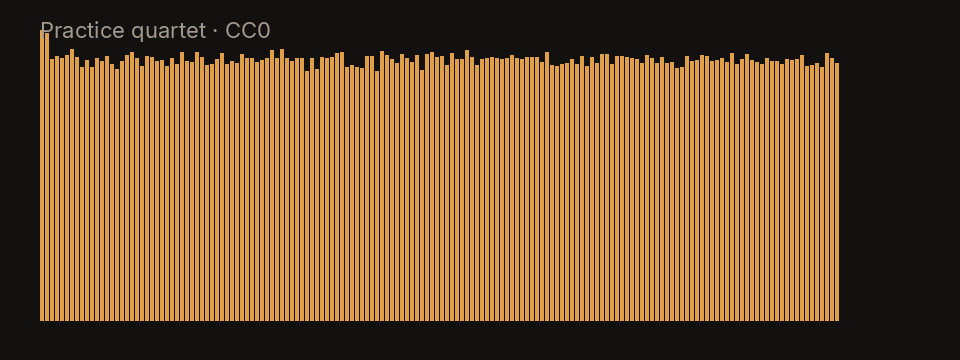
The spectrum is the practice quartet, an original CC0 synthetic clip included with the site, not a recording of a commercial song. Its plucked line is the stand-in for a guitar: it lives in Other, beside a dry lead, a small kit, and a bass. Muting Other on this clip removes that plucked line and leaves the other three. A real guitar record is messier than this plot, but the stem assignment is the same one the model will make.
Limitations
Do not expect a guitar-only stem. Do not expect a piano to survive a guitar mute. Palm-muted metal, amp noise, and capos that put the guitar under the vocal will leak. Old records where the guitar and the voice were recorded in one room share a microphone, and the model cannot unmix a room.
This is a practice mute of a file you supply. It does not fetch a backing track from a catalog, and it does not know the name of the song.
Practice along with the band
Loop the changes you are learning and slow them without shifting pitch, so the chords stay in the key you hear on the record. If you need the song in a different key, move pitch in semitones and leave the speed alone. The BPM and key finder reads both from the original mix before you rely on the click.
When the part you actually want gone is the kit, use the drum remover instead of muting Other. When you want the singer gone and the guitar kept, use the vocal remover and leave Other up. Muting Other and muting vocals at the same time leaves drums and bass, which is a thin backing but a clear one for hearing your own guitar.